See what needs attention.
Review checks with their evidence and coverage limits. Ignore an observation when appropriate, and restore it when you need another look.
IRONCLAD
System findings, behavior monitoring, malware scans, and AI explanations in one Omarchy desktop panel.
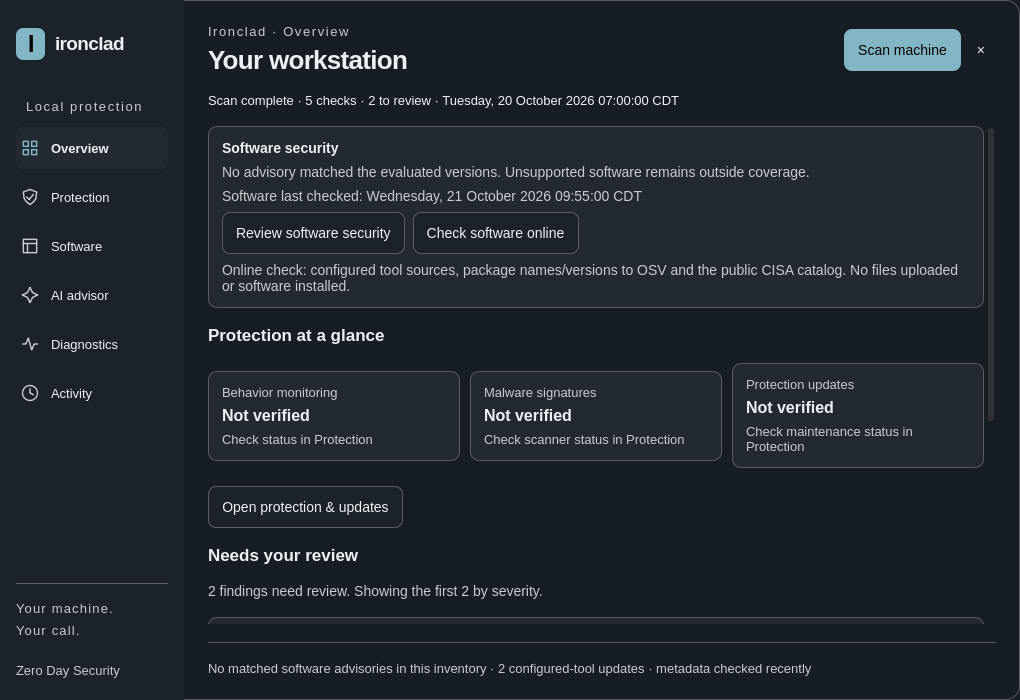
The real desktop · 73 seconds
A walkthrough of the development build on a real Omarchy desktop. See how the panel brings findings, explanations and actions together.
The desktop panel brings together system diagnostics, protection health, software checks, optional AI explanations and local activity. Review findings and evidence, request an explanation, and choose whether to take a supported action. The sections below explain the demonstrated behavior and its limits.
Built for the Omarchy desktop
Omarchy combines Arch Linux, Hyprland’s tiling desktop and Quickshell with curated tools, themes and community plugins.
Ironclad is being built as an Omarchy plugin, with findings, protection health and explanations in a desktop panel. The walkthrough above shows that panel running on a real Omarchy desktop.
Omarchy’s plugin ecosystem gives the community a way to extend and personalize the desktop. Ironclad brings focused diagnostics and optional detection tools into that setting, with setup, evidence and coverage limits visible.
Omarchy is the desktop foundation; Ironclad is a separate Zero Day Security project. Credit belongs to the Omarchy community for the environment it builds and maintains.
These links do not imply an official partnership, endorsement or approved marketplace listing for Ironclad.
Inside Ironclad
Review checks with their evidence and coverage limits. Ignore an observation when appropriate, and restore it when you need another look.
Falco supplies behavior monitoring. Separate ClamAV controls cover automatic Downloads scanning, a selected file scan and signature maintenance.
Supported software inventory, advisory checks and reviewed update paths help bring software questions into the same panel.
Get optional explanations for selected diagnostic checks, track progress and ask individual follow-up questions. AI explains and proposes; it does not execute changes.
A new scan clears the old display and privately gzip-archives the previous snapshot and completed explanations. Local action records and reports keep context close.
Optional intelligence
Understand a finding before deciding what to do with it.
When you request assistance, selected redacted context is sent to your chosen supported provider. Provider accounts and limits apply. AI responses need your review.
Local first does not mean every optional feature is offline. AI requests, advisory lookups and protection updates use the network when requested.
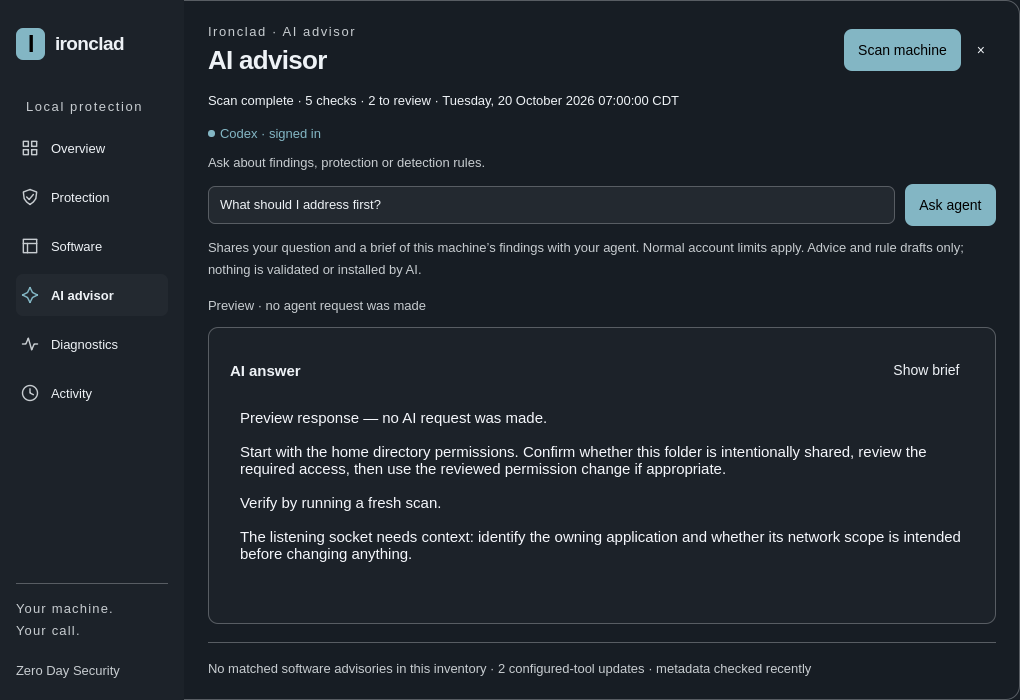
Clear coverage
The demonstrated build offers three diagnostic profiles.
These are distinct checks, not security scores. Some evidence may be unavailable or not applicable on your machine.
From Zero Day Security
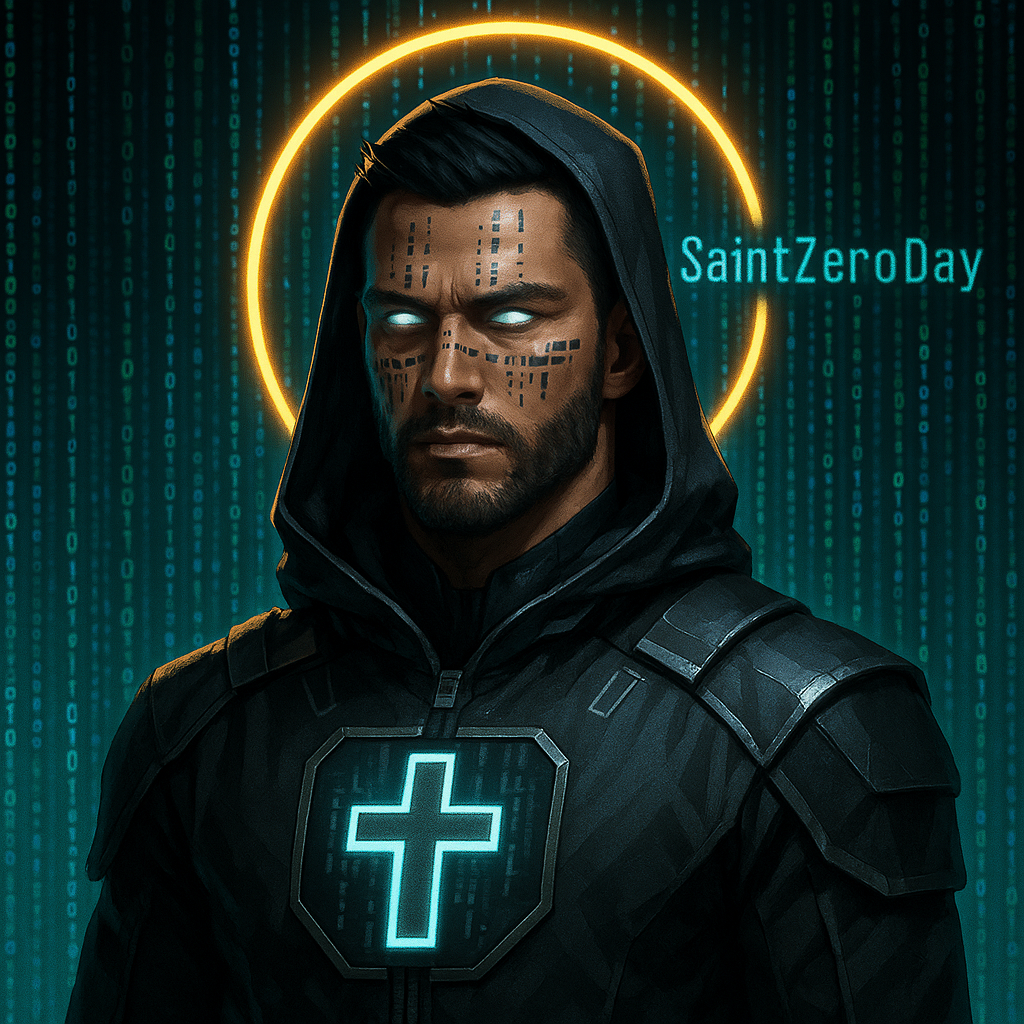
Ironclad is a Zero Day Security project. Saint Zero Day is the character behind the brand. Built for Omarchy’s desktop and plugin ecosystem, with behavior monitoring from Falco and malware scanning from ClamAV.
Community credits identify the underlying projects; they do not imply an official partnership or endorsement.
Project preview
This page presents the development preview. It does not distribute a plugin or release package.
Current release status, coverage limits and remaining qualification work are maintained on GitHub. Omarchy marketplace review is separate from publishing a project.
Explore the roadmap ↗